1.
In Symbe, go to Integrations and click “Connect” on the Gong integration.
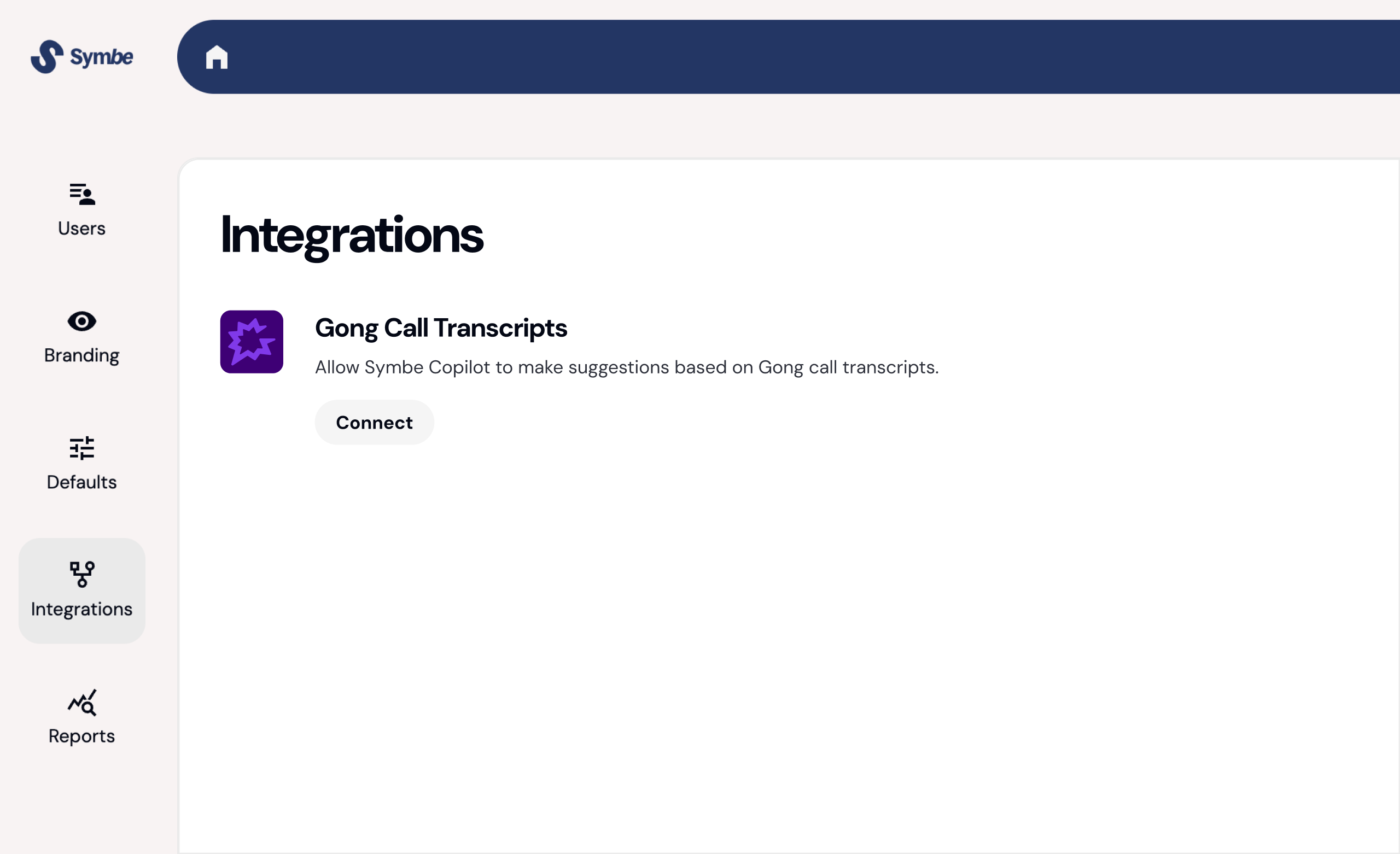

The Symbe Gong integration allows Symbe Copilot to make updates and suggestions based on Gong call transcripts
You must have admin permissions in Symbe and Gong to complete these steps.
In Symbe, go to Integrations and click “Connect” on the Gong integration.
Sign in to your Gong account and follow the steps to connect Symbe.
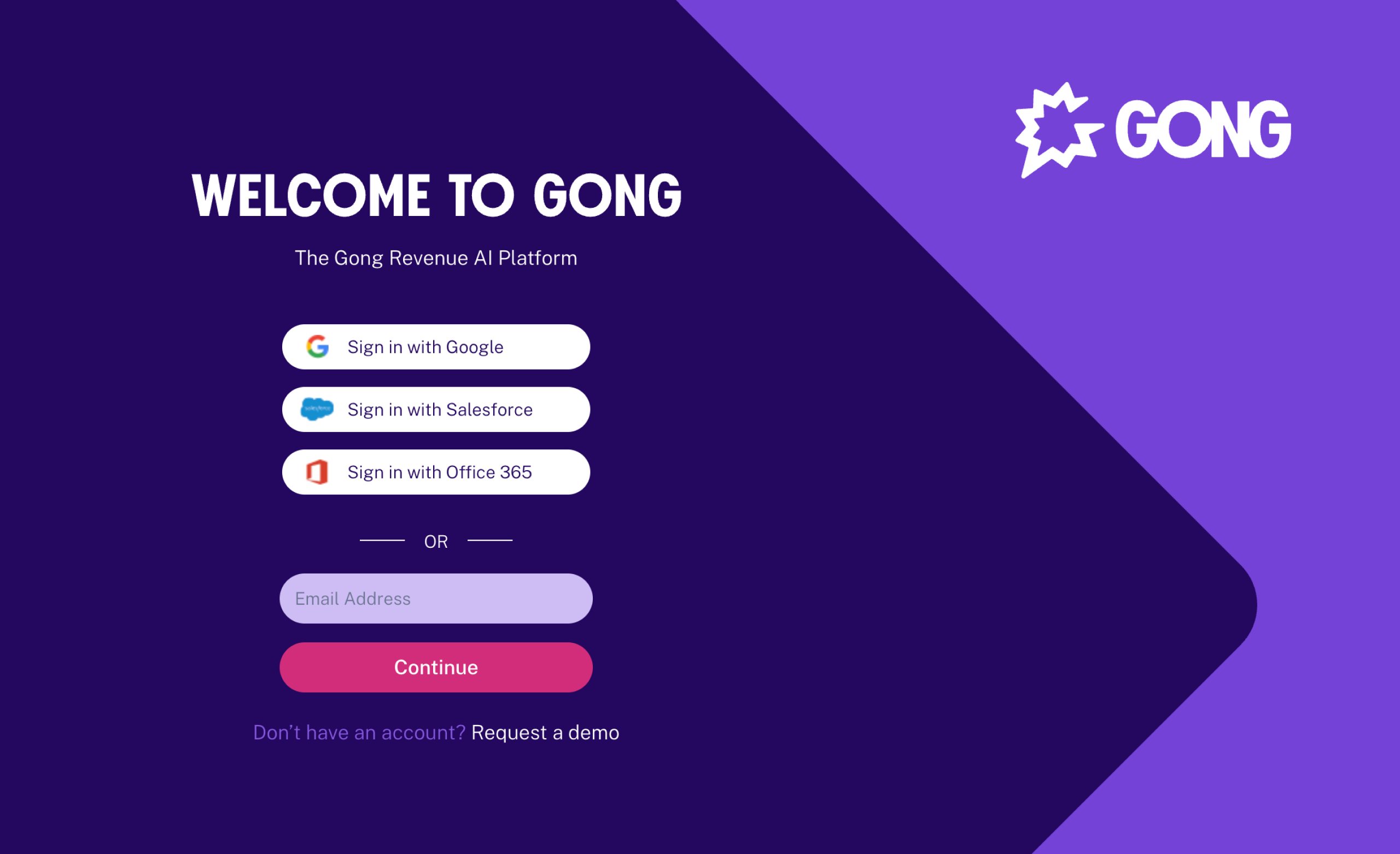
This allows your call transcripts to be sent automatically to Symbe Copilot.
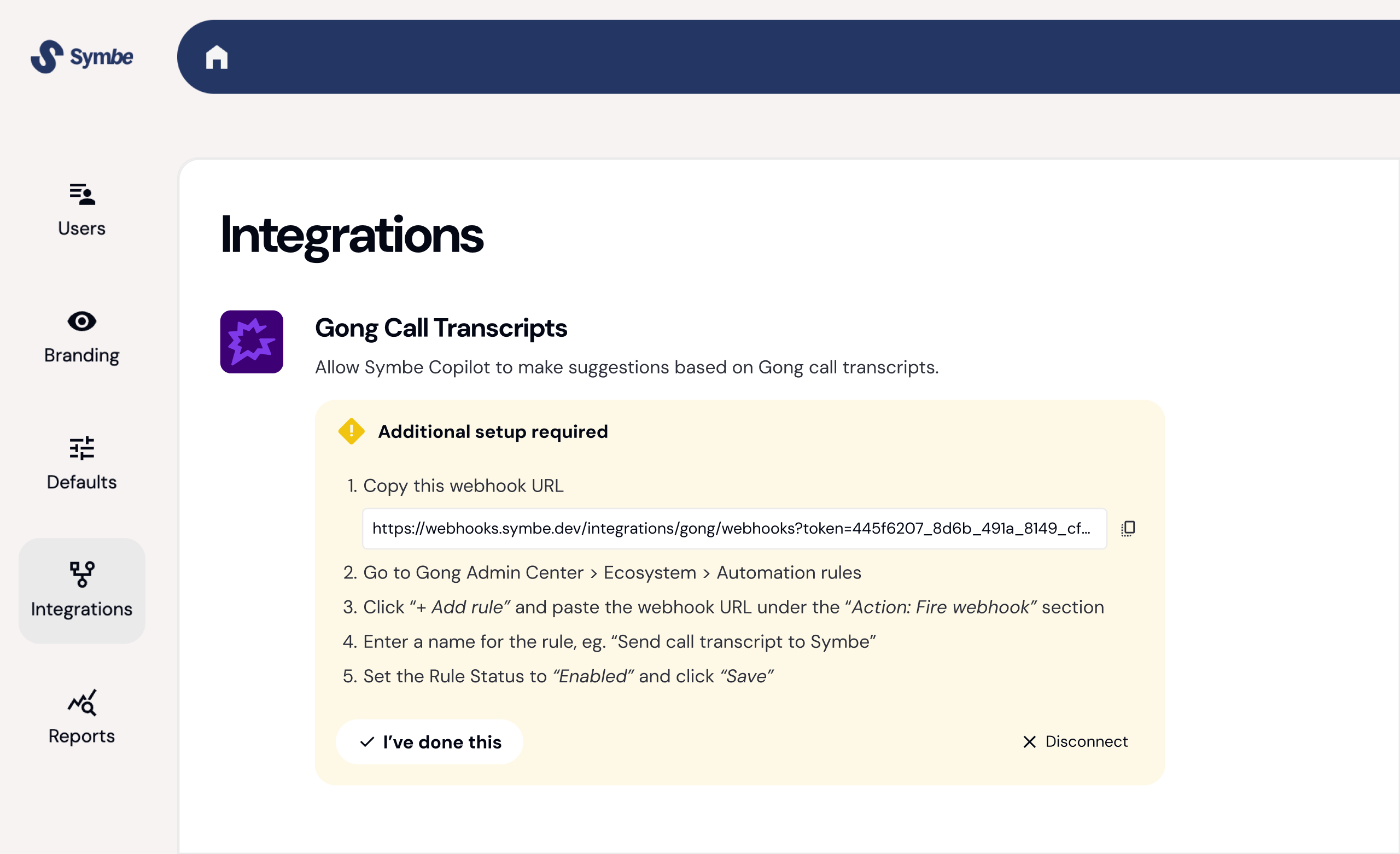
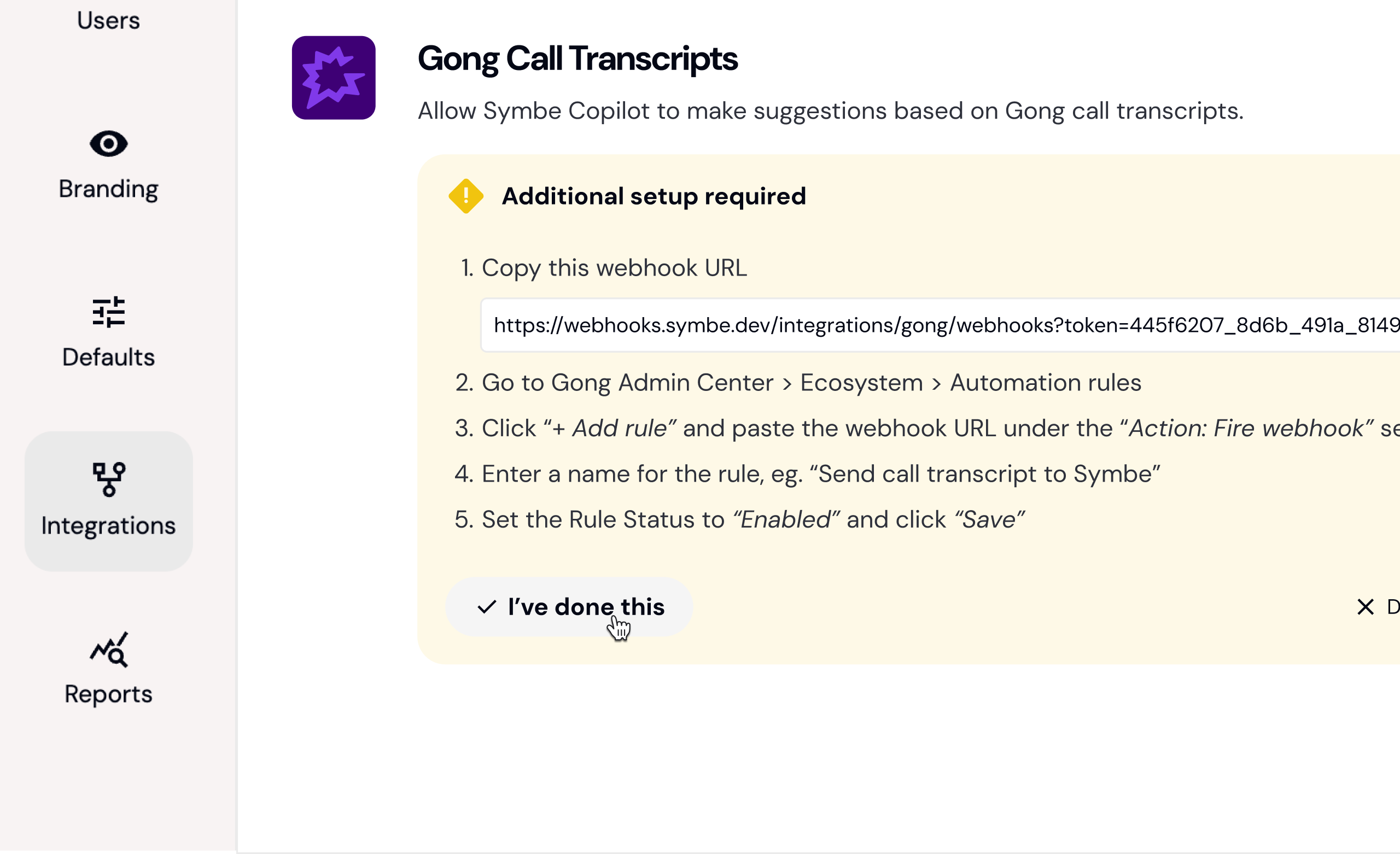
After connecting your Gong account, follow the additional setup instructions shown in Symbe. Start by copying your unique webhook URL.
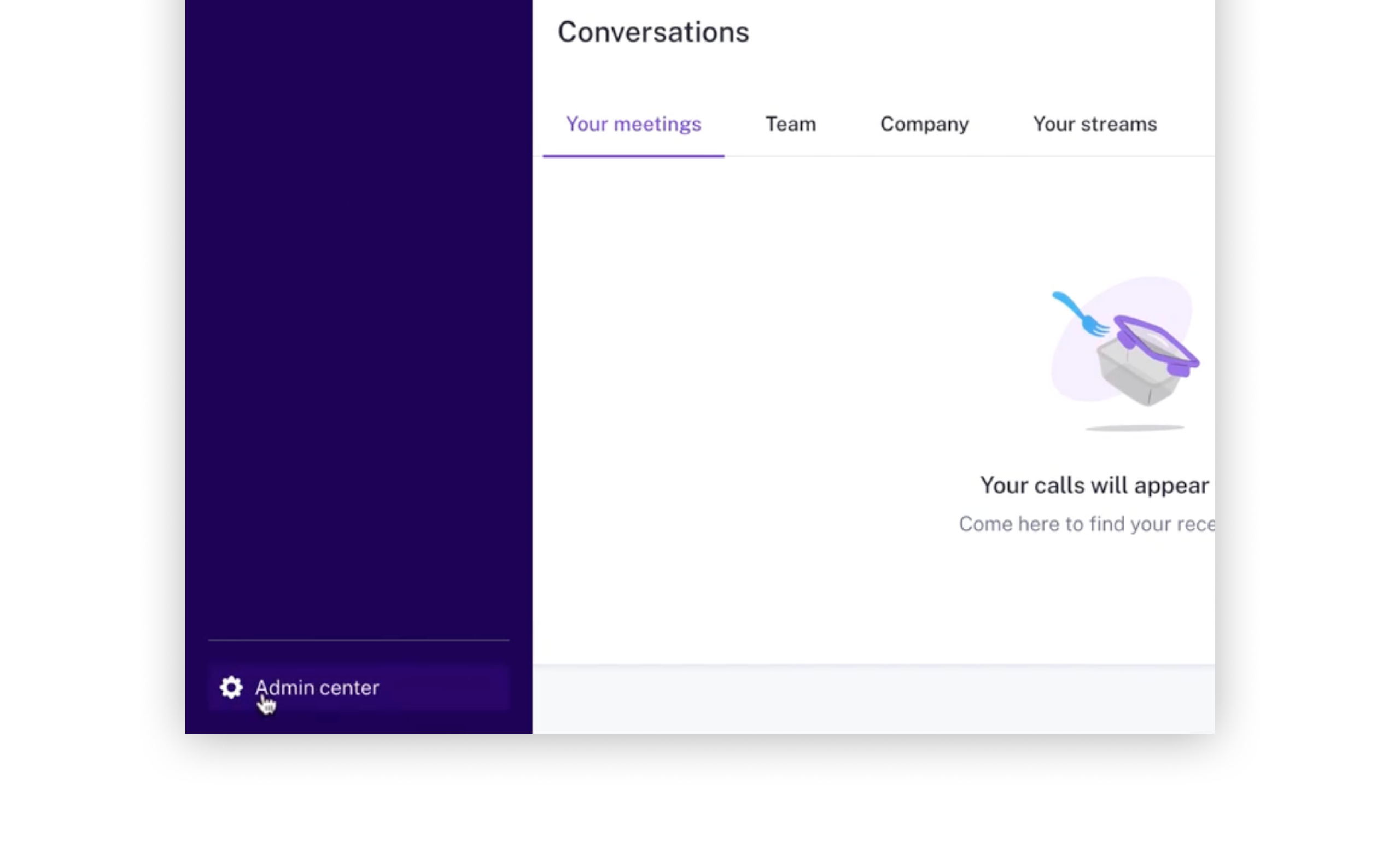
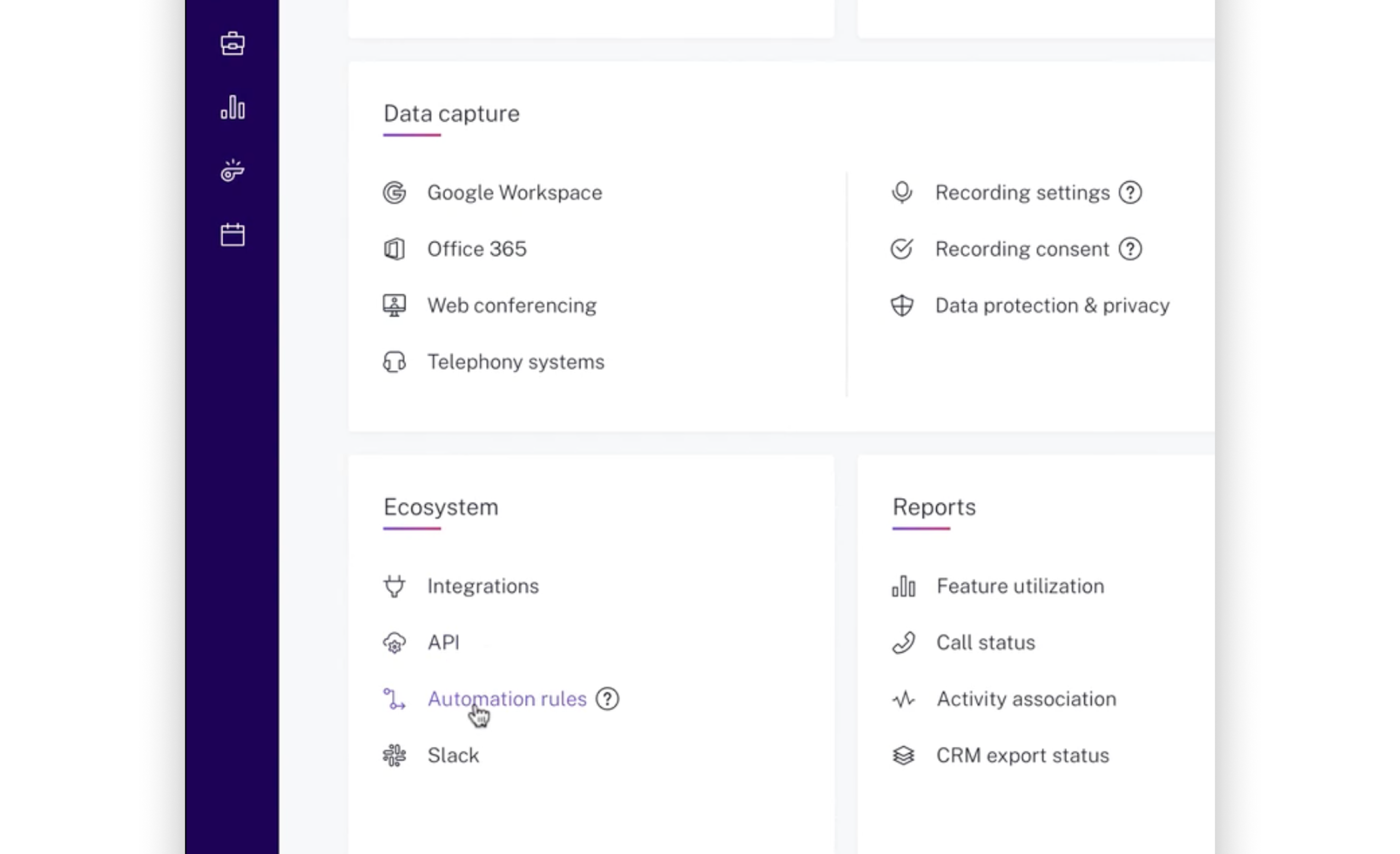
Next, go to your Admin Center in Gong.
Look for the “Ecosystem” panel, and click on “Automation rules”.
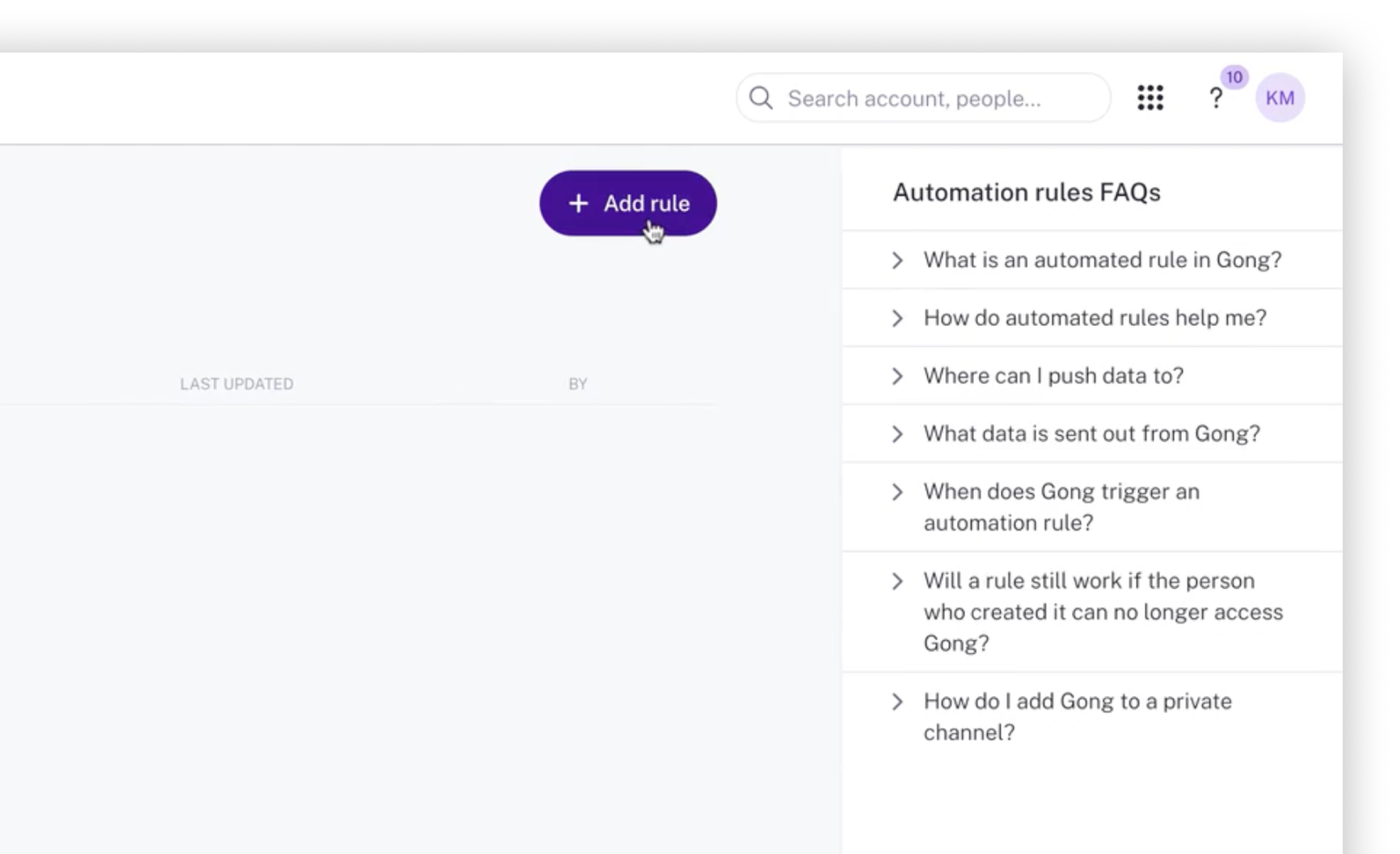
Click the “+ Add rule” button.
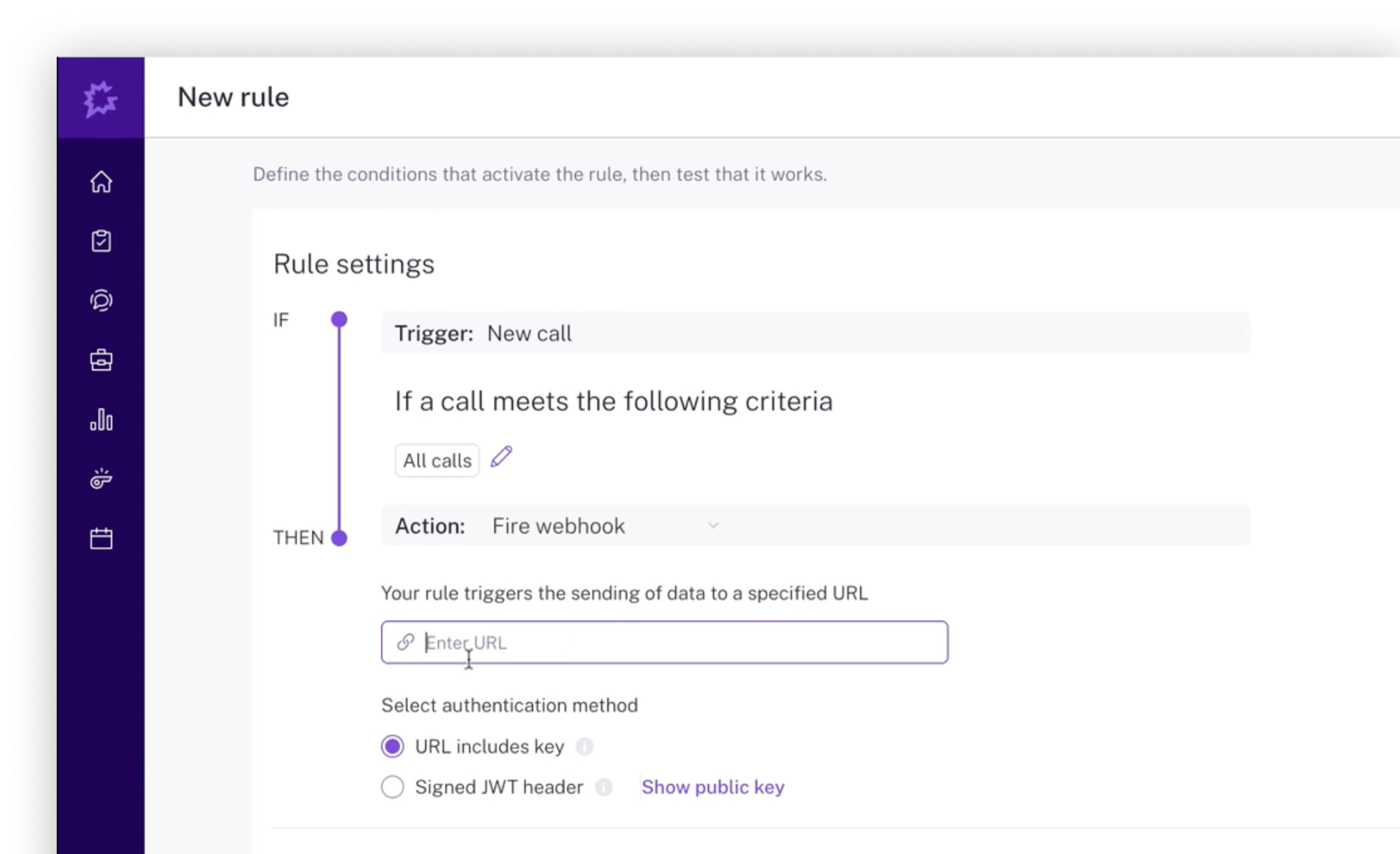
Paste your webhook URL into the text box under the “Action: Fire webhook” section. Ensure the selected authentication method is “URL includes key” and give your rule a name (something like “Send call transcript to Symbe”). Finally, set the Rule Status to “Enabled” and click “Save”.
Return to Symbe and click “I've done this”. It doesn't matter if you don't do this as we will update the status of your Gong integration when we receive your first call transcript anyway.
Symbe Copilot can now make updates and suggestions based on Gong call transcripts.